Compare the initial response and rendered page
Inspect the document before interaction and after JavaScript runs. Check main text, titles and links. A browser working for you does not establish access for every crawler. Server-rendered or build-generated HTML often simplifies delivery for an editorial site.
Give useful states their own addresses
Products, categories and articles need navigable links. Do not make document access depend solely on a button’s JavaScript handler. A temporary search or filter need not be indexed. Avoid endless URL spaces created by every possible combination of filters.
Make failures explicit
A missing product should not produce a blank screen with HTTP 200. Supply an appropriate status and useful explanation. Include blocked dependencies, expired resources and script errors in launch checks. Navigation should remain usable when an interactive feature fails to load.
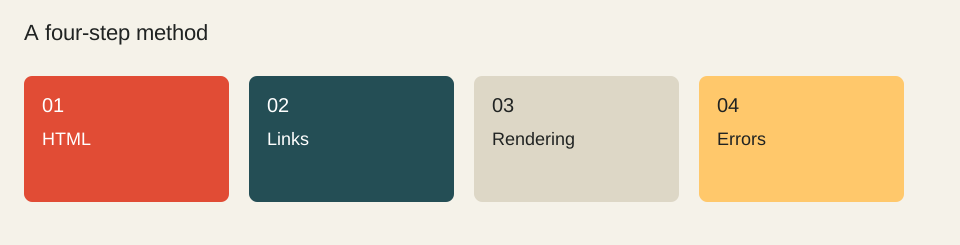
- HTML
- Links
- Rendering
- Errors
Worked example
A library can deliver all article links in HTML and use JavaScript only to filter their display. If the script fails, readers retain the full list. No article depends on the filter to exist.
Check before moving on
These checkboxes are not saved.
Sources & method
Sources reviewed on 1 October 2026. Worked calculations use explicitly hypothetical inputs.
Topic provenance: Réflexions sur le référencement des sites Flash (2009-01). Search Engine Feng Shui. Byline retained in the publication feed: fhouste.
This guide is newly written in 2026. It does not reproduce the earlier text and is not attributed to its historical author.